5 min read · The beginner explainer · Last updated 14 May 2026
Part of Learn Claude Code: The Complete Operator's Guide. For the operator's overview of Skills, Connectors, Cowork, and Artifacts, start there.
You have used Claude. Probably every day this week.
And every conversation, you re-explain the same thing.
You re-explain your writing voice, then your team's checklist, then the exact format you want your reports in.
That is the problem a Claude skill solves.
You teach Claude the workflow once, you package it as a folder, and Claude knows it forever.
This post is the plain-English explainer, with no YAML and no file-structure walkthrough.
Just what a skill actually is, three real examples, and where to go next if you want one.
The simplest possible definition
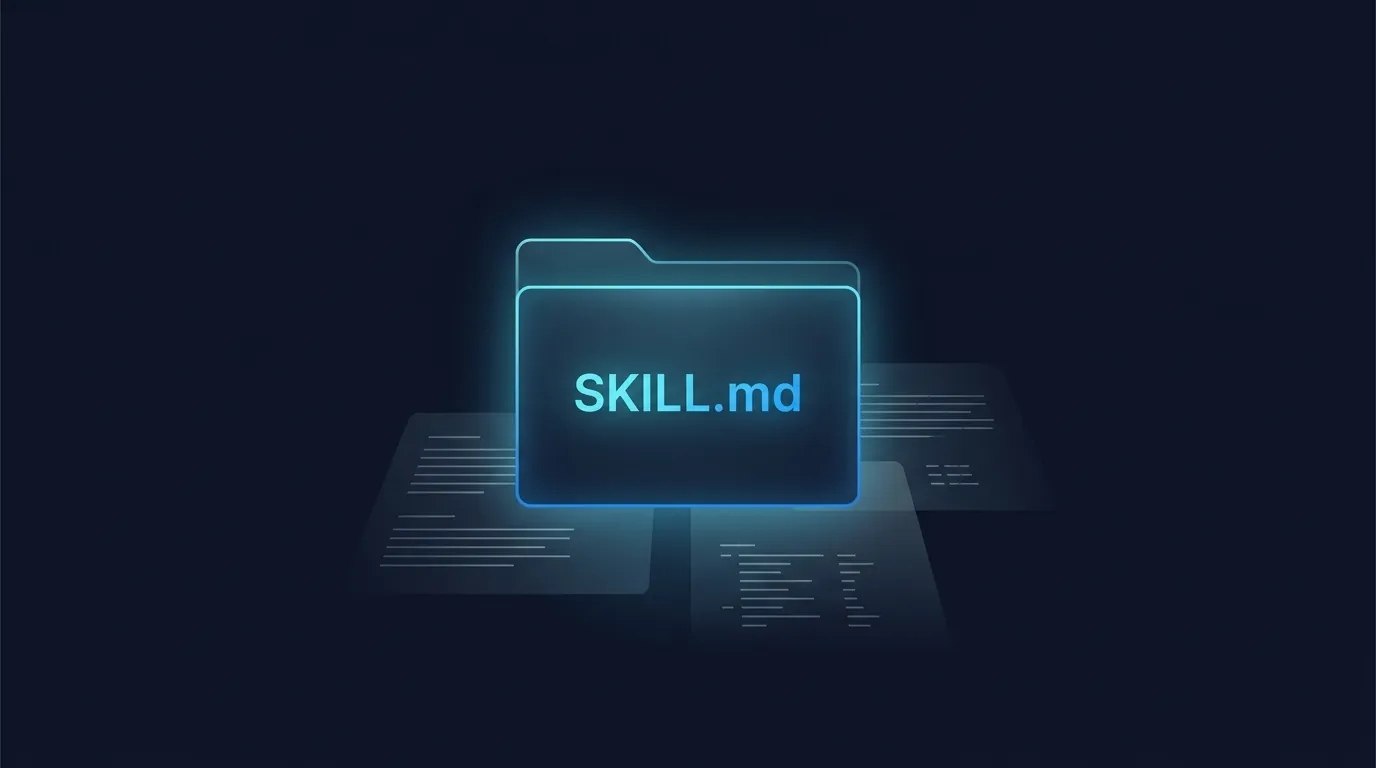
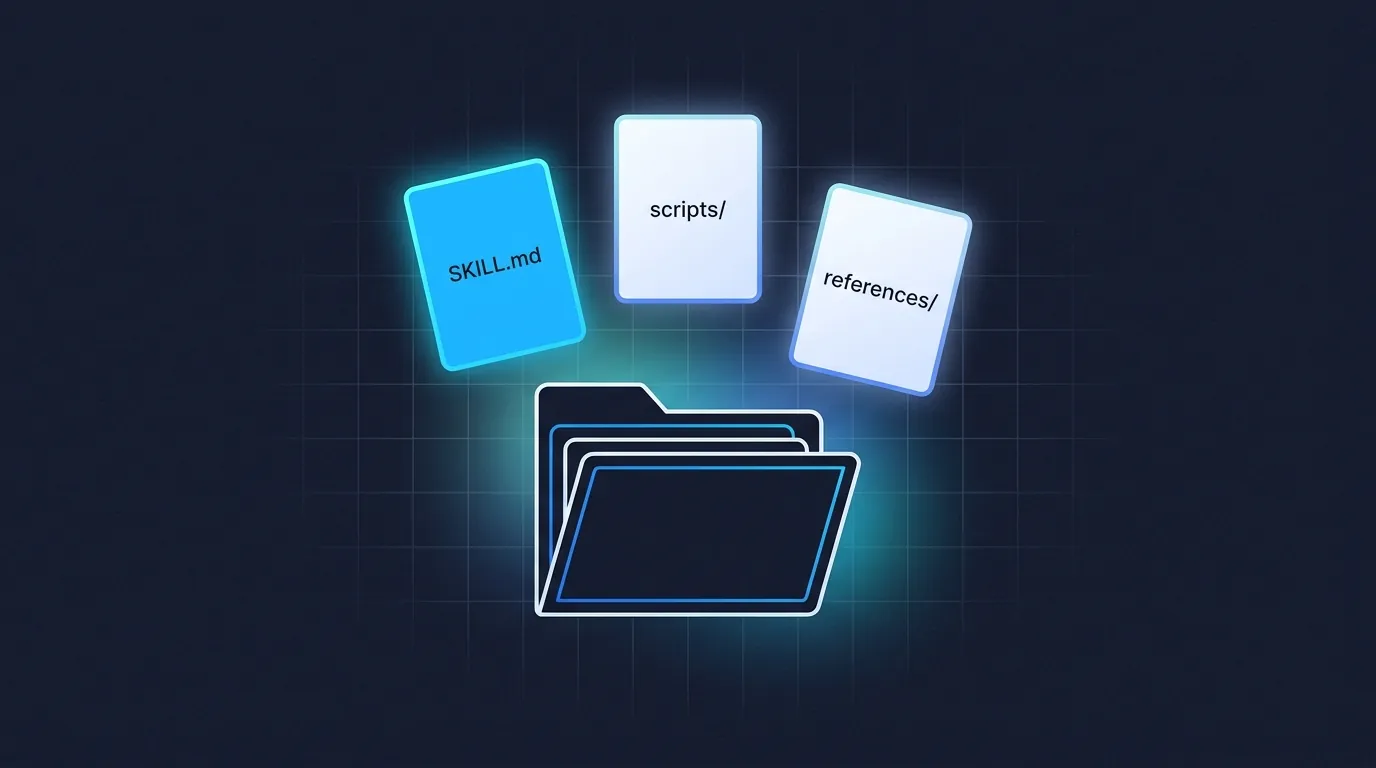
A Claude skill is a folder. Inside is one plain-text file of instructions. Claude reads it automatically when you ask for something the skill is for.
That is it. That is the whole technical truth.
The folder can also contain a few optional things (scripts, reference docs, templates), but most skills are just one file in a folder.
The instructions are written in plain English. You almost never write them by hand.
A built-in tool called skill-creator writes them for you (more on that below).
Three real examples that explain it better than a definition
Definitions are abstract. Examples are not.
1. The voice writer
You upload three of your best emails. You tell Claude what your tone sounds like in plain English. The skill is called my-email-voice.
From then on, every time you say "draft a reply to this", Claude writes in your voice without you re-explaining.
No more "make it less robotic, no shorter, no less stiff" loop. You stopped having to teach it.
2. The branding guide
Your business has brand colours, a specific logo file, and font styles your designer chose, plus the exact tone you use in customer emails.
A skill called my-brand-guide knows all of it.
Need a PDF quote? Claude uses the right logo, the right colour, the right font.
Need a one-pager, or an email reply? Claude pulls the same brand details every time.
The brand stays consistent across every document Claude touches, without you uploading the assets each time.
3. The weekly report
Pull last week's calls, group by outcome, write the summary in this exact format, save to this folder.
A skill called weekly-call-report does the whole thing for you on Monday morning, before you sit down with your first coffee.
Twenty minutes of admin becomes thirty seconds of prompting.
Three different shapes. Same idea: someone taught Claude the workflow once, and now they reap the benefit every single time.
This compounding is exactly what we walk you through at our Claude Code workshops in Auckland and Sydney. Most operators arrive having built zero skills and leave with three working ones, all chained.
The skills we actually run at Waboom AI
The three examples above are made-up to be relatable. Here is what we actually run at Waboom, because nothing teaches you better than a real one.
The landing-page generator
One skill at Waboom has spat out 25+ landing pages for different industries. You ask, it builds. It knows our copy structure, our voice markers, our brand colours, and the trust signals we always include.
You ask once and get the page back in our exact format. We wrote up the workflow in detail here.
The SEO checker
Before any blog post goes live, a skill called seo-check runs an 8-pass audit. Search intent, heading strategy, keyword coverage, link quantity, image cadence, fact density. The post does not ship until every pass clears.
Same script your agency would charge you three hours for. On autopilot in 30 seconds.
The voice DNA enforcer
This article was written by Leo and edited by a skill. The skill has Leo's voice DNA baked in (no em-dashes, no AI-tell openers (the I-magine-this one, the moving-forward filler), short fragments, UK spelling). It flags every breach before publish.
You are reading a sentence right now that probably got rewritten by it.
Three skills, one team, real work shipped this week. Same toolset you have. The only thing between you and your version is the next 60 minutes.

We teach this exact playbook in person at the Claude Code workshop. Hands-on, real laptops, you leave with working skills.
What is actually inside the folder?
The required bit is a single file called SKILL.md. It is plain text.
You can open it in any text editor and read it like a document.
The first few lines are a metadata header (the kind of thing a machine reads), and the rest is plain English instructions.
Optionally, the folder can also have:
- A
scripts/folder with code Claude can run. - A
references/folder with longer documents Claude can read when needed. - An
assets/folder with templates Claude can fill in.
For your first skill, you will not need any of those. It is one file in one folder, and that is the whole thing.
A dozen skills you could build today
If the three examples above are not pulling at anything you do every week, here is a longer list to spark it. These are all skills real operators are running right now (some of ours, some from Karol Zieminski's operator newsletter).
Alt-text generator for every blog image
LinkedIn teaser from a longer article
Receipt photo to expense entry
Spreadsheet data to trend summary
Meeting agenda from last week's notes
Competitor pricing pulled into a one-pager
Research synthesis across 10 sources
Sales-deck slides in your template
Email triage with draft replies in your voice
Long video transcript to social clips
Pull-request review against your team's checklist
Weekly status report from your call notes
Pick the one you already do badly or slowly. That is your first skill candidate.
Skills work everywhere Claude does
You can use Claude in three places: the web app at claude.ai, the desktop app on Mac or Windows, and Claude Code in your terminal.
Skills work the same way in all three. You build one, you use it everywhere.
The folder you build is identical. What changes is how you install it.
In the web and desktop apps, you upload the folder as a zip through Settings.
In Claude Code, you drop the folder into ~/.claude/skills/ on your computer.
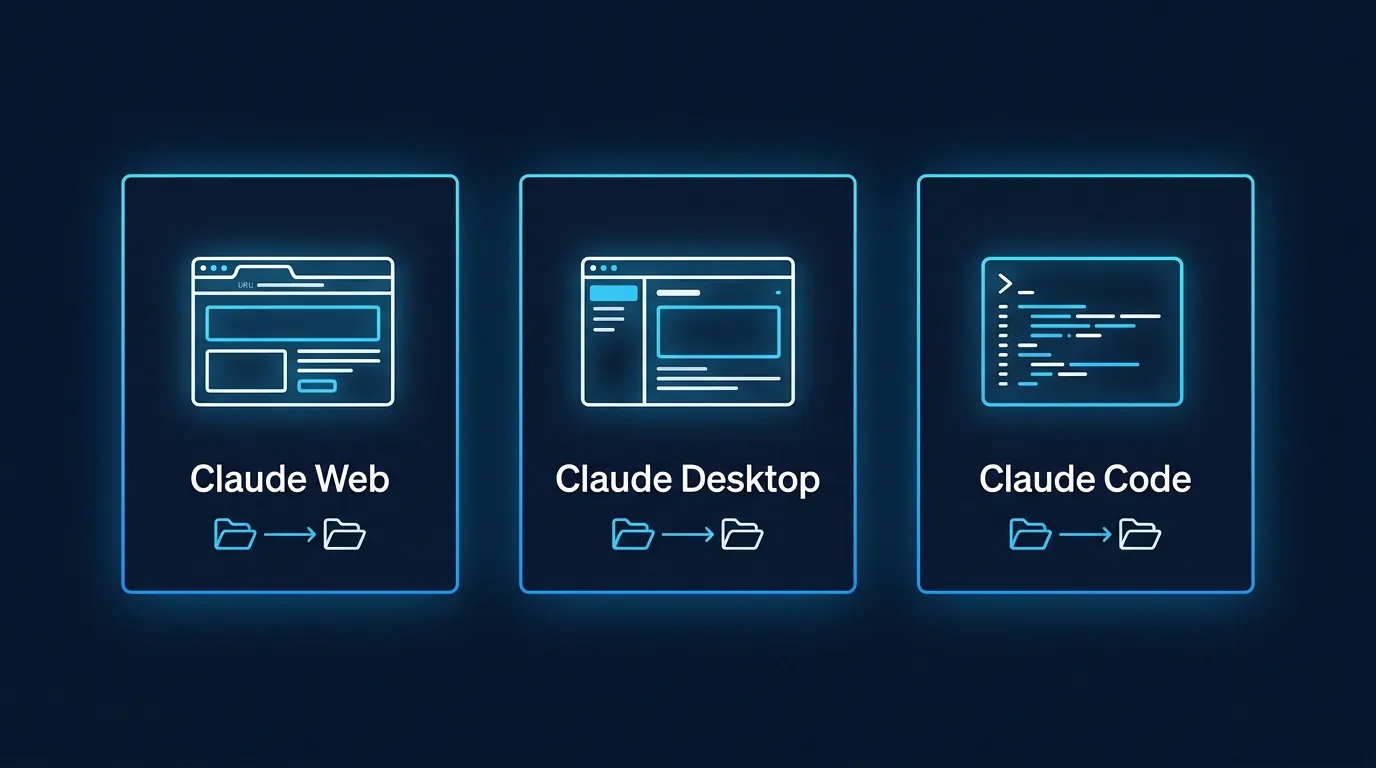
One skill. Three surfaces. The skill follows you to wherever you are using Claude that day.
You do not write a skill by hand
This is the bit most tutorials bury.
They start by teaching you YAML frontmatter, kebab-case naming, valid description fields, and security restrictions.
You can skip all of it.
A built-in tool called skill-creator writes the file for you.
You describe the workflow in plain English. skill-creator asks you five questions, you answer in plain English, it produces a properly formatted skill, valid frontmatter, the lot.
You stay out of the technical bits.
If you can describe what you want, you can build a skill. The first one takes about 15 minutes.
We walk you through building a real one in a separate tutorial post. Module 4 of the full course runs the same flow with more context.
When you do not need a skill
Skills are for repeatable workflows.
If you only need Claude to do something once, just ask. A skill is overkill for:
A rough heuristic: if you have re-explained the same thing to Claude three times, that is a skill candidate. If you have only explained it once, it is not.
Skills versus MCP, in one sentence
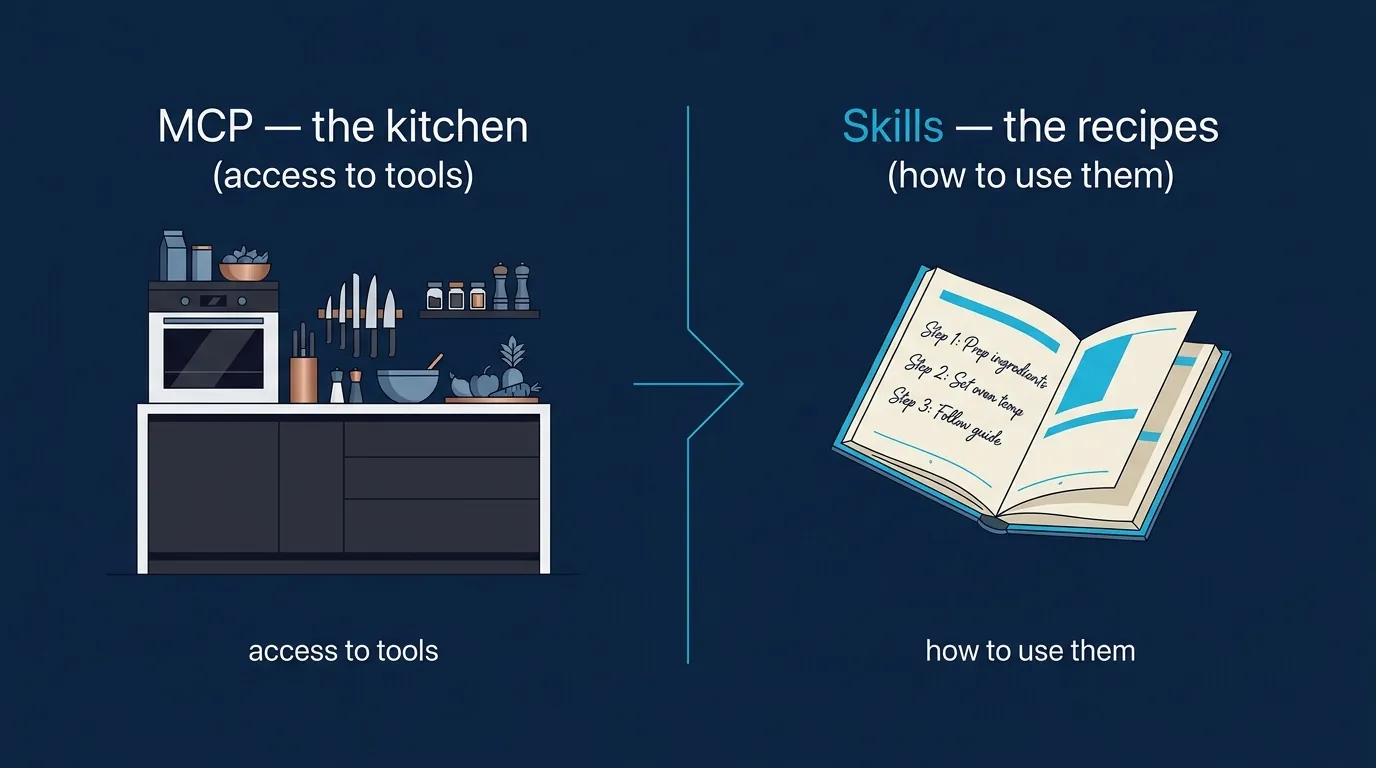
People sometimes confuse Claude Skills with the Model Context Protocol (MCP). They are different things.
MCP gives Claude access to your external tools and data (Linear, Notion, Gmail, your CRM).
Skills give Claude the workflow knowledge for using those tools well.
Most beginners only need a skill. We unpack the difference properly here.
What to do next
You know what a skill is. The next move is to feel one in action.
The fastest path is our free Claude Skills 101 course. About one hour, broken into six short modules.
By the end you will have used a skill, built one, debugged a trigger problem, and shared one with your team.
Not ready for a course yet? The next post walks you through building your first skill in 15 minutes. Same idea, shorter format.
Frequently asked questions
What is a Claude skill?
A skill is a folder. Inside it is one plain-text file of instructions that Claude reads automatically when you ask for something the skill covers.
That is the whole technical truth. You teach Claude a workflow once, package it as a folder, and it knows that workflow from then on.
What is actually inside a Claude skill folder?
The only required file is SKILL.md. It is plain text, readable in any editor. The first few lines are a metadata header and the rest is plain English.
Optionally you can add a scripts folder with code, a references folder with longer documents, and an assets folder with templates. For your first skill you need none of them.
Do I have to write a Claude skill by hand?
No, and most tutorials bury this. A built-in tool called skill-creator writes the file for you.
You describe the workflow in plain English, it asks about five questions, and it produces a properly formatted skill with valid frontmatter. If you can describe what you want, you can build one.
Do Claude skills work in the web app, desktop app and Claude Code?
Yes, and the folder is identical in all three. Only the install step changes.
In the web and desktop apps you upload the folder as a zip through Settings. In Claude Code you drop the folder into the skills directory under your home folder.
When do I not need a skill?
Skills are for repeatable workflows. If you only need something once, just ask.
The heuristic: if you have re-explained the same thing to Claude three times, that is a skill candidate. If you have explained it once, it is not. Skip skills for one-off questions and for workflows that change every time.
What is the difference between Claude skills and MCP?
MCP gives Claude access to your external tools and data, things like Linear, Notion, Gmail and your CRM. Skills give Claude the workflow knowledge to use those tools well.
They solve different problems and most beginners only need a skill.
How long does building a first skill take?
About 15 minutes, using skill-creator rather than writing the file yourself.
Self-paced
Six short modules, one hour total, free. You use a skill, build one, debug a trigger, then share it.
Start Claude Skills 101 →Hands-on with us
A live Claude Code and Skills workshop where you bring a real problem and leave with a working skill. APAC dates monthly.
See the workshop →To go deeper with your whole team, look at Waboom's AI training programmes.
Leonardo Garcia-Curtis
Founder & CEO at Waboom AI. Building voice AI agents that convert.
Want your team to actually use these tools?
Waboom AI runs hands-on AI training and Claude workshops for teams across New Zealand and Australia.
Explore AI Team Training