
Plenty of tools claim a HubSpot integration. Most of them mean one thing: after the call, a note appears on the contact.
That is not an integration. That is a log file.
Here is everything our AI voice agent actually does inside HubSpot, from the moment a contact enters a list to the deal landing in your pipeline. If you want the plain English overview first, start with what a native HubSpot AI voice agent does.
How does a contact get into the campaign?
You should never upload a CSV again. Enrolment runs off HubSpot itself, three ways.
From a list. Point a campaign at a HubSpot active list. Anyone who enters that list auto-enrols and gets called. New form fills, dormant tags, re-engagement segments, they all flow in on their own.
From a deal stage. When a deal moves into a stage you choose, the contact enrols automatically. A deal hits "Attempting contact" and the agent starts calling, no manual handoff.
From a workflow. Drop a "Trigger AI call" step into any HubSpot workflow. Whatever logic you already run can now start a call as one of its actions.
What happens on the call?
This is where most integrations have nothing to offer.
Round robin booking. The agent checks real availability and books the meeting on the call. A round robin link assigns the right rep automatically, so it lands with whoever is next in the rotation. The invite fires and the meeting shows on the HubSpot calendar.
Deal created or associated. On a hot lead, the agent creates a deal in the pipeline and stage you choose, or associates the contact with an open one. Booked calls flow straight into your closing process.
Qualification written back. Budget, timeline, the pain they mentioned, the agent writes it back to the contact as properties. Your team opens the record and sees the context before they ever pick up.
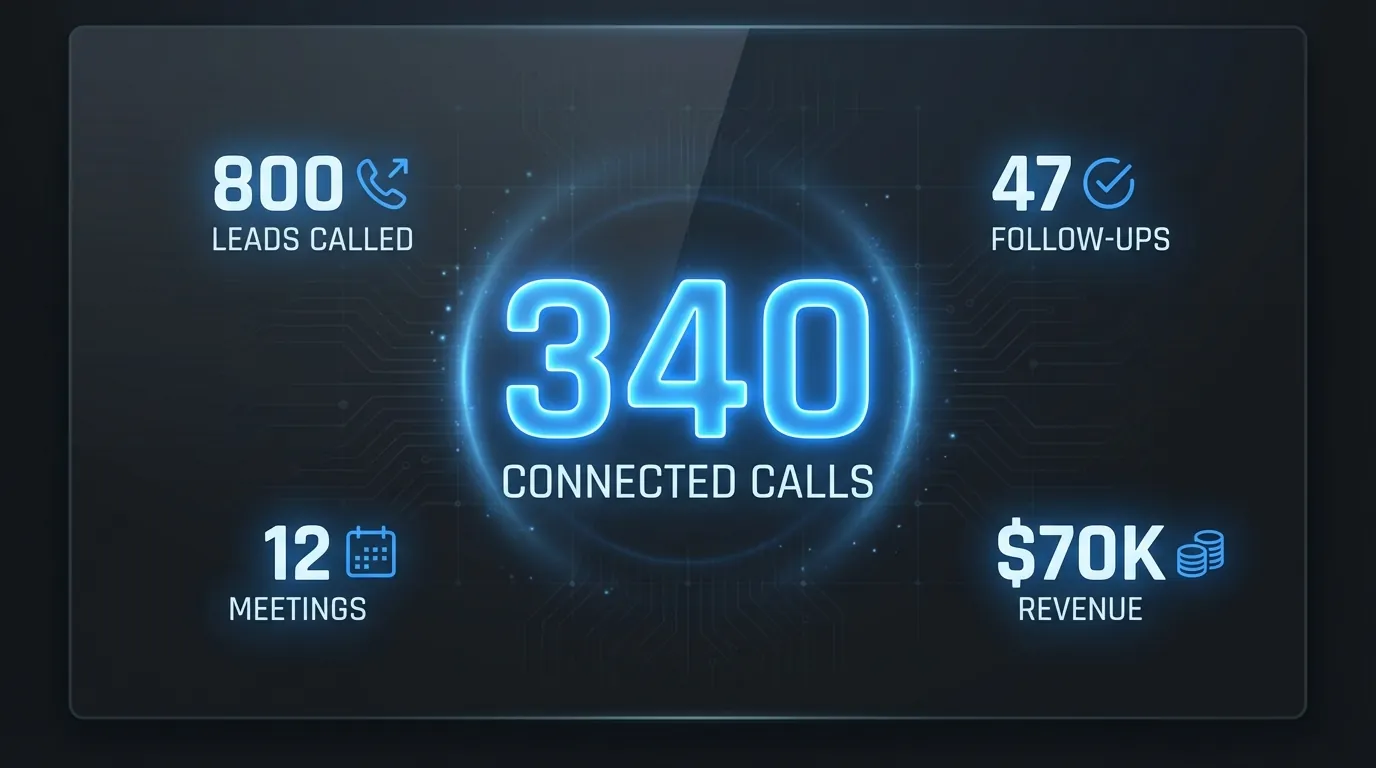
Every outcome, summary and booking lands on the record. Your team reads the story in HubSpot.
What lands back in HubSpot after the call?
Everything, and it lands where your team already looks.
Every call on the timeline. Each call logs as a native activity with the outcome, an AI summary and a link to the recording.
Every SMS on the timeline too. Texts log as communications on the contact, so the full back and forth reads in one place.
A branded activity. Calls can post as a "Waboom AI Call" event, so it is obvious at a glance which touches were the agent and which were your team.
A CRM card on the contact. A card on the record surfaces the latest AI call outcome, summary and recording without leaving the contact view.
How does it stay compliant and in control?
The integration handles the parts that get businesses in trouble.
Opt-out written back. If a contact opts out, dialling stops immediately and the do-not-contact property writes back to HubSpot. They are never called again.
Two-way contact sync. Contacts sync both directions, so the record stays your single source of truth.
Health monitoring. Every sync is logged and failures retry on their own. You can see the connection is healthy, so you never discover days later that logging quietly stopped.
What is live now, and what switches on with our HubSpot app?
Being straight with you. The core is live and running today: booking, contact sync, call and SMS logging, deal creation, opt-out write-back, and list or deal-stage enrolment all work now.
A few pieces, the CRM card, the branded timeline event and the "Trigger AI call" workflow action, switch on when you connect our HubSpot app. That is a two-click connect from the Waboom portal.
We will walk you through exactly which features light up for your account on a quick call.
Frequently Asked Questions
Can a deal moving stages start an AI call?
Yes. Set a deal-stage trigger, and when a deal enters that stage the contact enrols into the AI campaign automatically.
Can I add an AI call to a HubSpot workflow?
Yes. There is a "Trigger AI call" action you can drop into any HubSpot workflow as one of its steps.
Does the AI create deals in HubSpot?
On a hot lead it creates a deal in the pipeline and stage you choose, or associates the contact with an existing open deal.
Do text messages log to HubSpot?
Yes. Outbound and inbound SMS log to the contact timeline as communications, alongside the calls.
Can I see AI call data on the contact record?
Yes. A CRM card on the contact shows the latest AI call outcome, summary and a link to the recording.
What happens when someone opts out?
Dialling stops instantly and the do-not-contact property writes back to the HubSpot contact, so they are never called again.
See it on your own HubSpot
That is the full picture. If you want the simple version first, read what a native HubSpot AI voice agent does.
When you are ready to see it running on your own list, take a look at Waboom AI voice agents and we will show you which functions light up for your account.
Leonardo Garcia-Curtis
Founder & CEO at Waboom AI. Building voice AI agents that convert.
Ready to Build Your AI Voice Agent?
Let's discuss how Waboom AI can help automate your customer conversations.
Book a Free Demo

