What is a Claude Skill?
Plain-English answer. Three real examples. The teach-once promise.
A Skill is a Folder That Teaches Claude a Workflow
Here is the simplest way to think about a Claude Skill.
You explain something to Claude.
Maybe you tell it your writing voice. Maybe you walk it through how you review a contract. Maybe you describe how your team plans a sprint.
The next conversation, you have to explain it again. And the next one. And the next one.
A skill fixes that.
You teach Claude the workflow once, package it into a folder, and Claude knows it forever.
That is the whole idea.
Three Real Wins You Can Picture
Forget abstract definitions. Here is what people actually use skills for.
The voice writer. You upload three of your best emails. You tell Claude what your tone sounds like. You package it as a skill called my-email-voice.
From then on, every time you say "draft a reply to this", Claude writes in your voice without you re-explaining. No more "make it less robotic, no shorter, no less stiff".
The branding guide. Your business has brand colours. A specific logo file. Font styles your designer chose. The exact tone you use in customer emails.
A skill called my-brand-guide knows all of it. Need a PDF quote? Claude uses the right logo, the right colour, the right font. Need a one-pager? Same. Need an email reply? Same again. The brand stays consistent across every document Claude touches, without you uploading the assets each time.
The weekly report. Pull last week's calls, group them by outcome, write a summary in this exact format, save it to this folder.
A skill called weekly-call-report does the whole thing on Monday morning. Twenty minutes of admin becomes twenty seconds of prompting.
Three different shapes. Same idea: you taught Claude once, now you reap the benefit every time.
What is Actually Inside the Folder
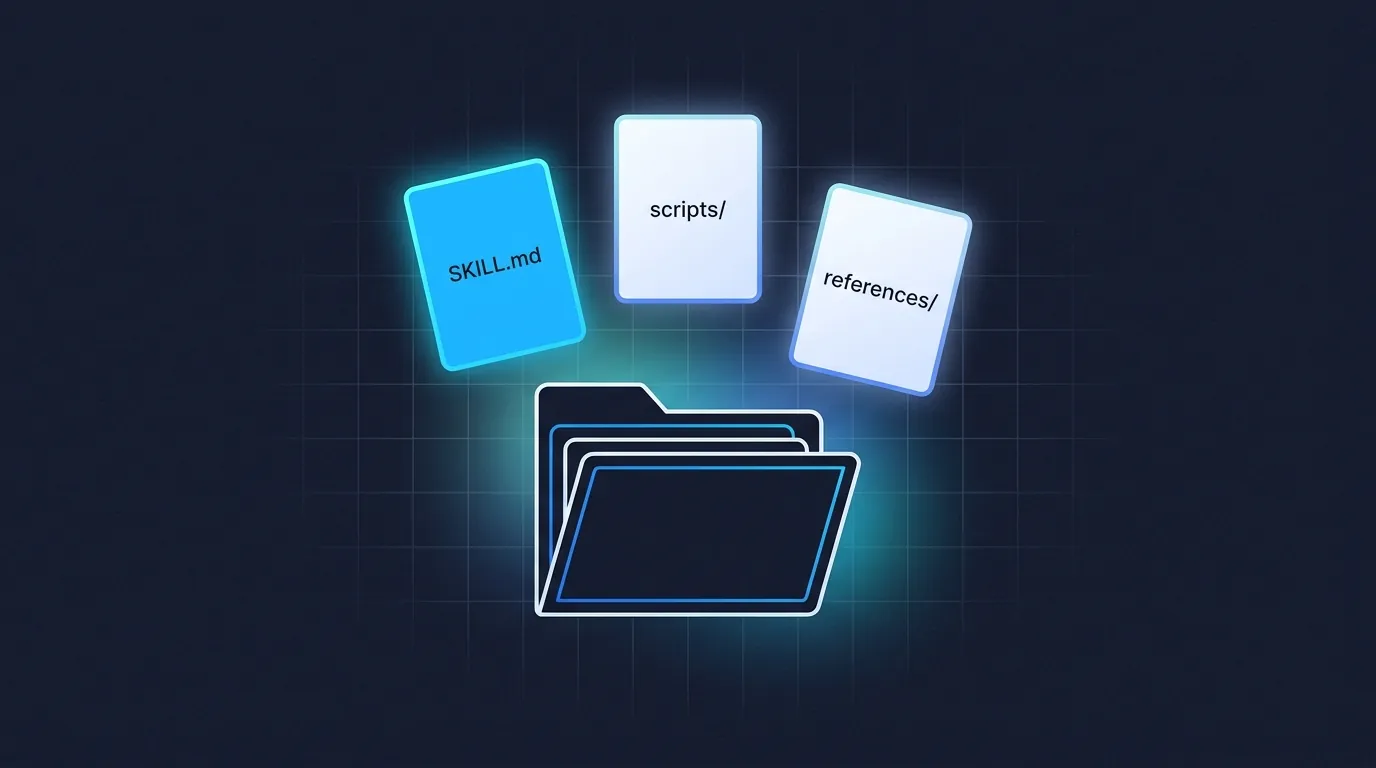
A skill is, technically, a folder with one required file called SKILL.md. That file holds the instructions.
Optionally, the folder can also have:
- A
scriptssubfolder (for code Claude can run) - A
referencessubfolder (for extra docs Claude can read) - An
assetssubfolder (for templates Claude can fill in)
For now, just remember this: most skills are just one file in a folder.
You will almost never write that file by hand. You will use a tool called skill-creator (we cover it in Module 4) to write it for you.
When You Do Not Need a Skill
Skills are for repeatable workflows. If you only need Claude to do something once, just ask. A skill is overkill for:
- One-off questions ("what is the capital of Peru")
- Tasks Claude already handles well without instructions
- Workflows that change every time
A good rule of thumb: if you have re-explained the same thing to Claude three times, that is a skill candidate. If you have only explained it once, it is not.
🎓Go further: How Claude actually reads your skill (progressive disclosure)click to expand
Here is the bit Anthropic does not lead with, but it explains everything else.
Skills load in three layers, and Claude only reads what it needs.
Layer 1: The description (always loaded). Every skill's short description sits in Claude's working memory at all times. When you send a message, Claude scans descriptions and decides which skills are relevant. This is the only layer Claude reads to decide. It is why the description field matters more than anything else.
Layer 2: The instructions (loaded when triggered). Once Claude picks your skill, it reads the body of SKILL.md. Your steps, your voice, your examples. This is where the actual "how" lives.
Layer 3: Linked files (pulled in only when needed). If your skill folder has a references/ or scripts/ subfolder, Claude only opens those when the task requires it. A 50-page style guide can live there and not slow Claude down on the 80% of tasks that do not need it.
Why this matters for you: the description sells the skill, the body executes it, the linked files scale it. When your skill grows, push detail down the layers. Keep the description sharp, keep the body tight, dump the long stuff into references.
The Promise
By the end of this short course, you will have:
- Used a skill that already exists (Module 3)
- Built your own first skill in 15 minutes (Module 4)
- Fixed a skill that does not trigger when you expect it to (Module 5)
- Shared a skill with your team or the world (Module 6)
No coding. No YAML by hand. No deep dive on architecture. Just the parts that get you a working skill and a clear next step.
Going deeper after the course. If you want the longer-form context on what skills are and how they fit alongside other Claude tools, read What is a Claude Skill? The Plain-English Guide and Claude Skills vs MCP on the blog. Module 2 starts the practical part.