
The operations lead at an Auckland IT services company rang me during a major outage window. His voice agent had just wrapped its busiest day. 80 inbound calls. 12 new tickets logged straight into the system.
He was buzzing. Then he asked the question that made me build this feature: "Leo, what happened on the other 68?"
He had no idea. Neither did his service desk. 68 transcripts sitting in a list. Someone has to read them.
Nobody will. That's the problem. And that's why we shipped call tags.
The six call tags that saved the service desk 11 hours a week
We sat down with the operations lead and wrote six tags for his business. Not 40. Not a "comprehensive taxonomy". Six. You can probably guess most of yours already.
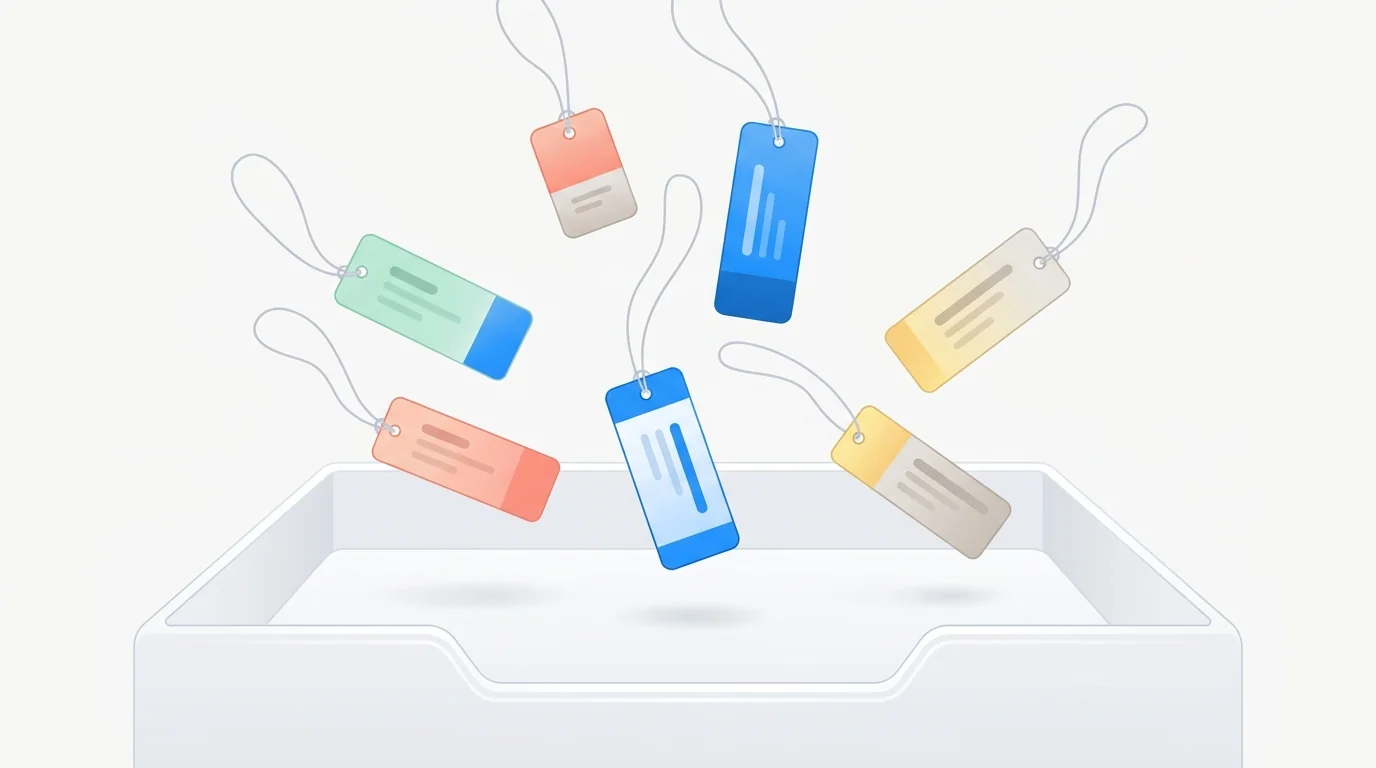
The voice agent tags every call as it closes. Outage window hit. 80 calls in a day across new ticket requests, callbacks from client IT managers, reps from Dell and Lenovo, and angry clients whose servers were down.
The operations lead stopped reading transcripts. He reads tags. 11 hours a week back in his pocket. That's one technician's Friday.
In a market where technicians are billable at $55/hour and senior engineers push $85, 11 hours is real money. But the hours were the boring part for him. The interesting part? What happened to the calls that WEREN'T new tickets.
What are the three calls you almost lost?
Ticket count is the number every ops lead watches. Monday dashboard. Weekly standup. Quarterly board slide. The three calls that were not tickets are where next month revenue hides. Callbacks. Escalations. Retainer mentions. They never make the dashboard. Tags make sure they do not sit in a queue either.

The "ring me back at 4pm, my servers are on fire" call
A client IT manager rings your business at 11:12am. Their email server has crashed and 40 staff are locked out. Mid-call his phone buzzes. His boss wants him back on the all hands crisis call.
"Can you call me back at 4pm? I have to go."
Your voice agent takes the request, confirms the callback window, and ends the call politely. Without tags, that transcript sits in a queue of 79 other calls. Your service desk coordinator gets to it at 4:30pm. The window is gone. Josh has already rung a competitor.
With the `callback_4pm` tag, the portal fires an email to you the second the call closes. Subject line: "Callback requested: Josh, IT manager, 120 staff logistics firm, domain controller down, 4pm today". You see it on your phone within 90 seconds.
One of your senior engineers rings Josh at 3:58pm. He books a $4,200 server rebuild for a 40 seat office with a failed domain controller. The tag did nothing clever. It made sure a human saw the right transcript inside the window that mattered.
The escalation tag that beats the Google review
A client rings your voice agent. They're ropey. The SLA was breached, the ticket sat for six hours, their finance team missed payroll cutoff. They want a manager, now.
The agent tags the call `escalation_manager`. Your email fires within 60 seconds. Phone buzzes. You ring the client back before the kettle's boiled.
Compare that to the alternative. Transcript gets reviewed Monday morning. Client's already posted a one star Google review on Friday night. Two procurement managers read it on Saturday while shortlisting their next MSP and quietly cross you off. Consumer NZ data has shown repeatedly that one public complaint shifts buying decisions more than ten positive reviews.
I've watched this play out with a property manager in Auckland who was losing two tenants a month to Facebook group complaints. The same pattern applies to IT services. Six weeks after tagging, zero public complaints. Not because the problems stopped. Because he got to them before the client got to Google.
The retainer mention that turned into $18,000
This one's my favourite. You'll see why.
A managed services firm we work with. Their voice agent handles routine check-in calls. "How's the environment running, anything flagged this week, any changes on your side?" Mostly routine.
One call last month, a client says: "Yeah all good, actually we're opening a second office in Hamilton next quarter, 30 more seats."
The agent tagged that call `retainer_expansion_signal`. Here's where it gets good for you.
The tag didn't just email someone. It pushed the client straight into a retainer expansion workflow in the CRM. The account manager got a task, a templated proposal draft started building, and the client received a short "congrats on the expansion, here's what it looks like to add Hamilton to your retainer" email two hours later.
Three weeks on, they signed an expanded retainer. $1,900 a month uplift. Multiply that by the handful of similar signals the same tag caught in one quarter. $17,860 of annualised recurring revenue the voice agent would have dumped into a transcript list.
That's what tags actually do for your business. They're not labels. They're events. They fire downstream workflows.
Why is "calls" the wrong bucket for you?
Most voice agents dump every interaction into one bucket called "calls". New tickets, escalations, callbacks, Microsoft licensing reps chasing renewal dates. All the same thing. One list.
Read it if you can be bothered. You won't be. I've watched it.
100% of business owners say they'll read the transcripts. About 4% actually do, and only for a fortnight. Then it stops.
Tags turn the bucket into routed work. Each tag is an if this then that trigger. Email you. Add to a retainer expansion flow.
Update your CRM automatically. Ping the duty engineer's Slack. Whatever the downstream system is, the tag is the trigger.
The real estate team we worked with has 14 tags running. 11 fire emails to different agents. 3 update their records automatically. Their receptionist doesn't read transcripts any more.
She just handles the tags that got flagged `needs_human`. That's the bar you want. If your voice agent isn't tagging, it's a note taker. It should be a dispatcher.
What does a tagged week actually cost you?
Let me show you the maths on a real week you might run.
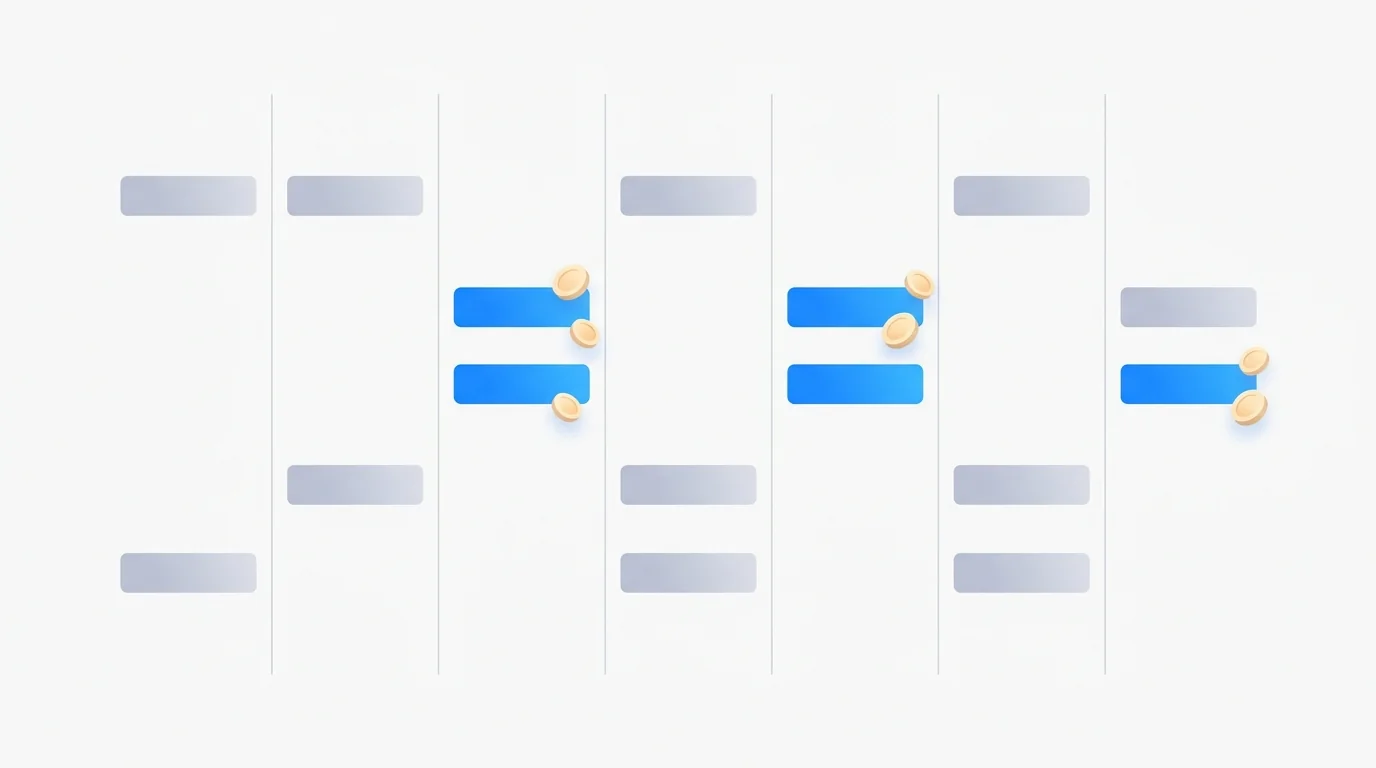
Total talk time across the week lands around 125 minutes. At 80c per minute NZD billed per second, that's roughly $100 total call spend for you. The average dial is about 30 seconds, so it costs around 40 cents. A success tagged conversation runs $1 to $1.60.
Of those 25 tagged conversations, three are the ones a ticket focused agent would never flag. A callback request from an IT manager mid-outage. An escalation from a client with a server down. A retainer expansion signal. Three saves, $100 spend.
The Auckland ops lead rang back a fortnight later. Six tags, 80 calls through the outage, and the three saves his service desk would have missed landed in his inbox inside 60 seconds each. One retainer expansion worth $1,400 a month. One callback at 4pm that kept a client. One escalation his senior engineer caught before the server went cold. That's the bar. Your voice agent shouldn't log tickets. It should dispatch the three you'd have lost.
Frequently Asked Questions
How many call tags should I start with on an NZ IT services voice agent?
Six. Not 20. Six covers 80% of what matters for you.
Write them on a whiteboard with your service desk, not in a Google Doc. Add more later only when you see a category showing up in transcripts you hadn't named. The Auckland operations lead is still on six, seven months on. He's added one, `licensing_renewal`, and that's it.
Does call tagging work for any NZ or AU industry?
Yes. Anywhere you get more than 30 inbound calls a day and not all of them are new tickets. IT services, trades, property management, clinics, insurance, logistics.
The industries it DOESN'T help are the ones doing 100% new ticket logging with zero callbacks, zero escalations, zero retainer upsells. I've never met one. Check the calculator to see what your volume looks like.
What does it cost to add call tagging to my voice agent?
Tagging is included on all Waboom AI voice agent plans from day one. There's no "enterprise upgrade" gate. You're already paying around 80c per minute NZD for the calls themselves, billed per second.
The cost you're actually paying is the cost of NOT having tags. One missed escalation. One lost callback from a client IT manager. One retainer expansion signal that never got routed to your account manager.
The operations lead quoted the hours back at 11 a week. At $55/hour billable that's $605 a week, or $31,460 a year you keep.
How fast does a call tag fire an alert?
Inside 60 seconds from call close, end to end. The agent closes the call, writes the tag, and the portal fires the configured downstream action. That could be an email, a Slack DM, a CRM workflow update, or an SMS. For escalations and time sensitive callbacks that 60 second window is the whole point. A Monday morning transcript review is too late.
Want to see your six tags on a whiteboard with me? Book a 30 minute call.
We'll map what your voice agent should tag and what fires downstream. Pick a time.
Leonardo Garcia-Curtis
Founder & CEO at Waboom AI. Building voice AI agents that convert.
Ready to Build Your AI Voice Agent?
Let's discuss how Waboom AI can help automate your customer conversations.
Book a Free Demo

