A manufacturing company in Lower Hutt called us with a problem. 3,000+ equipment manuals spanning 30 years. Their support staff spent 40% of each shift hunting through filing cabinets and shared drives for the right spec sheet.
"How long does it take your technicians to find the right manual?" we asked.
"Anywhere from 5 minutes to an hour. Depends who you ask."
We loaded those 3,000 documents into 6 specialist knowledge bases. Linked them to a single voice agent. Now their technicians call a number, describe the issue, and get the right answer in under 10 seconds. 89% reduction in delayed responses.
Your documents aren't the problem. How your team accesses them is.
What RAG Actually Does
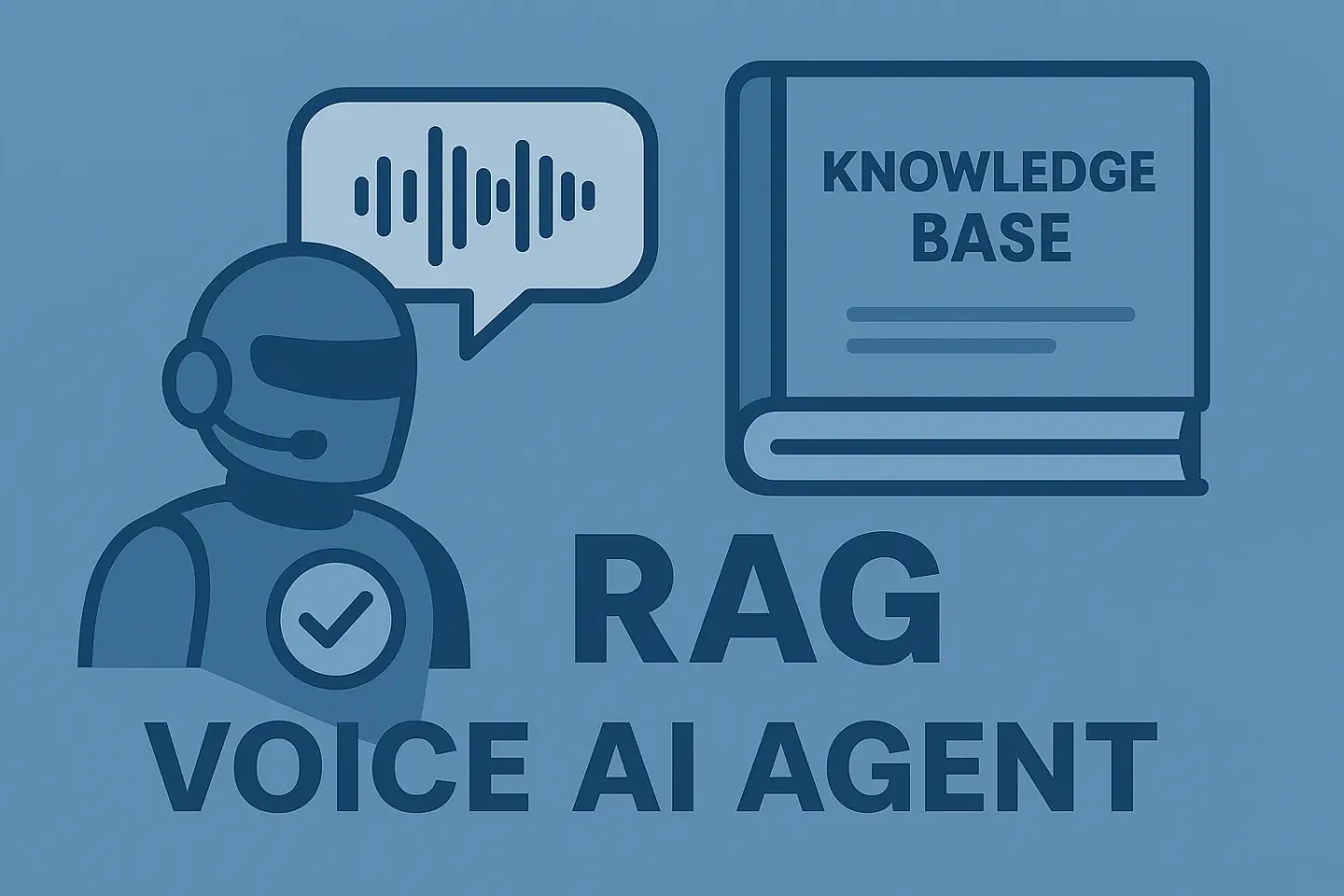
RAG stands for Retrieval-Augmented Generation. Sounds complex. The concept is simple.
When your caller asks a question, 3 things happen:
1. Retrieve. Your agent searches its knowledge base for content relevant to what your caller just said.
2. Augment. The retrieved content gets injected into your LLM's context alongside the conversation.
3. Generate. Your LLM crafts a response using both the conversation and the retrieved documents.
Without RAG, your agent knows what you told it in the system prompt. With RAG, your agent knows what's in your documents. That's the difference between "I don't have that information" and a correct answer that converts.
Your documents become instant answers.
How Retell's Knowledge Base Works
Retell's KB system handles the heavy lifting. You upload your documents, configure retrieval settings, and your agent starts answering from them.
What You Can Upload
Retell accepts a wide range of formats:
Pro tip: use Markdown. Retell's chunking engine handles structured Markdown better than any other format. Headings create natural chunk boundaries, and your retrieval accuracy improves.
The Limits You Need to Know
Each knowledge base has hard caps:
Hit these limits? Create additional knowledge bases. Your workspace gets 10 free. Extra KBs cost you roughly the same as a coffee a month.
Retrieval Settings
Two dials control how your agent searches:
Chunks to retrieve (1-10, default: 3). How much context your agent pulls per question. More chunks = more context for your LLM, but also more noise. Start at 3.
Similarity threshold (default: 0.60). How closely a chunk must match your caller's question. Higher = stricter, fewer results. Lower = broader, more results.
For pricing and legal content, push your threshold to 0.75-0.80. For general FAQs, drop it to 0.45. Your domain determines the right setting.
Optimising Your Knowledge Base
The difference between a KB that adds 50ms and one that adds 300ms+ comes down to structure. Here's what we've learned across 40+ deployments:
Structure Your Documents for Chunking
Retell chunks your content at ingestion. You don't control chunk size directly, but you control what those chunks look like.
Use headings. Every H2 section becomes a natural chunk boundary. Keep each section focused on one topic. A section that covers pricing AND returns AND shipping will retrieve poorly for all three.
One concept per document. Don't dump your entire company wiki into a single PDF. Split it by department, product line, or topic. Your retrieval precision improves immediately.
Assign KBs at the Node Level
This is the feature most teams miss. In your conversation flow, you can assign a specific knowledge base to a specific node.
Your pricing node only searches the pricing KB. Your product node only searches your product catalogue. No cross-contamination. Faster retrieval.
Better answers.
Node-level KB assignment reduces retrieval latency by narrowing the search space. Instead of searching across all your documents, your agent searches only what's relevant to that stage of the conversation.
Keep Your KBs Fresh
Retell auto-refreshes URL sources every 24 hours. If your website content changes, your agent picks it up the next day.
For dynamic content (product catalogues, pricing, schedules), use the auto-crawl feature. Point it at a URL path, and new pages under that path get automatically indexed.
Set exclusion lists for navigation pages, login paths, and duplicate content.
The Multi-KB Strategy
One knowledge base rarely covers everything your agent needs. Here's how we structure multi-KB deployments:
Segment by domain. Products in one KB. Policies in another. Technical specs in a third. Each KB stays focused, and your retrieval stays sharp.
Segment by update frequency. Static content (company history, leadership bios) goes in one KB. Dynamic content (pricing, availability, schedules) goes in another. You update the dynamic KB without touching the static one.
Segment by audience. Customer-facing answers in one KB. Internal operational docs in another. Your data security stays clean because your agent only accesses what it needs.
We deployed an insurance company's voice agent with 500+ policy documents across 4 knowledge bases. Product info, claims procedures, compliance requirements, and general FAQs.
Each KB linked to the relevant nodes in the conversation flow.
What Changed with Knowledge Base 2.0
Retell shipped a major KB upgrade in mid-2025. The improvements matter for your deployments:
If you built your KB before this update, test it again. Your retrieval accuracy has improved without you changing a thing.
Testing Your Knowledge Base
Before going live, verify your KB answers correctly. Retell's playground shows which chunks were retrieved per turn. Run through your common questions and check:
Then run your full test suite with batch simulation testing. Test every knowledge-dependent question your callers will ask.
Your documents should answer calls. We make that happen.
Frequently Asked Questions
What file types does Retell's knowledge base support?
Retell accepts PDF, DOCX, ODT, RTF, EPUB, CSV, TSV, XLS, XLSX, Markdown, TXT, HTML, and XML. For best results, use Markdown. Retell's chunking engine handles structured headings more accurately than plain text.
Spreadsheets are limited to 1,000 rows and 50 columns per file.
How does retrieval latency affect voice agent performance?
Each knowledge base lookup adds roughly 100ms to your response time. That's negligible for a single retrieval but compounds if your agent searches across multiple KBs on every turn.
Use node-level KB assignment to narrow the search scope and keep your total retrieval under 150ms.
Can I use multiple knowledge bases with one agent?
Yes. Your workspace gets 10 free knowledge bases. An agent can have multiple KBs linked at once, all are searched per retrieval.
For better performance, assign specific KBs to specific nodes in your conversation flow. This reduces noise and improves both speed and accuracy.
How do I know if my knowledge base is working correctly?
Use Retell's test playground to see which chunks your agent retrieves per turn. Check that your agent pulls the right content for common questions.
Adjust your similarity threshold (higher for precision, lower for coverage) and chunk count (3 is a good default, increase for multi-part answers). Run batch simulation tests before deploying to production.
Leonardo Garcia-Curtis
Founder & CEO at Waboom AI. Building voice AI agents that convert.
Ready to Build Your AI Voice Agent?
Let's discuss how Waboom AI can help automate your customer conversations.
Book a Free Demo