
A real estate agency in Auckland had one AI voice agent handling everything. Valuations, open home bookings, tenant enquiries, maintenance requests, investor callbacks. One agent. One prompt. 2,400 words of instructions.
It worked for 3 months. Then it started routing maintenance calls to the sales team. Investor questions got tenant responses. The agent couldn't tell the difference between "I want to sell my house" and "I want to list my rental."
The problem wasn't the AI. The problem was asking one agent to be 5 specialists at once.
We split it into 5 focused agents. Each one handles a single domain. Calls transfer between them with full context, your caller never notices the handoff.
Zero repeated information. Zero confusion.
That system now handles 800+ calls a week across your typical mix of sales, property management, and investor relations.
Why Single-Agent Architecture Breaks
You've seen this pattern. Your agent starts simple. Handles one task well.
Then your client asks for "just one more thing." And another. And another.
Before you know it, your system prompt is 3,000 tokens. Your agent hallucinates responses from the wrong domain. A tenant asking about a broken heater gets your sales pitch instead.
Single-agent architecture fails for 3 reasons:
How Agent Transfer Works on Our Platform
The Transfer Agent Node lets you hand off a live call from one AI agent to another. Here's what happens:
No new phone call. Your transfer is instant. No dialling, no connection delay. Your caller hears a smooth transition, often faster than a human transfer.
Full conversation history. Your destination agent receives the complete transcript of everything said so far. Every word. Every data point your first agent collected.
Single phone number. Your caller dials one number. Your routing logic decides which specialist handles what. 5 agents, one number. Clean for your callers, flexible for your team.
Settings that carry over. Your webhook URL, signed URL opt-in, and data storage settings persist from your first agent throughout the entire call. Voice and language settings update to match your destination agent.
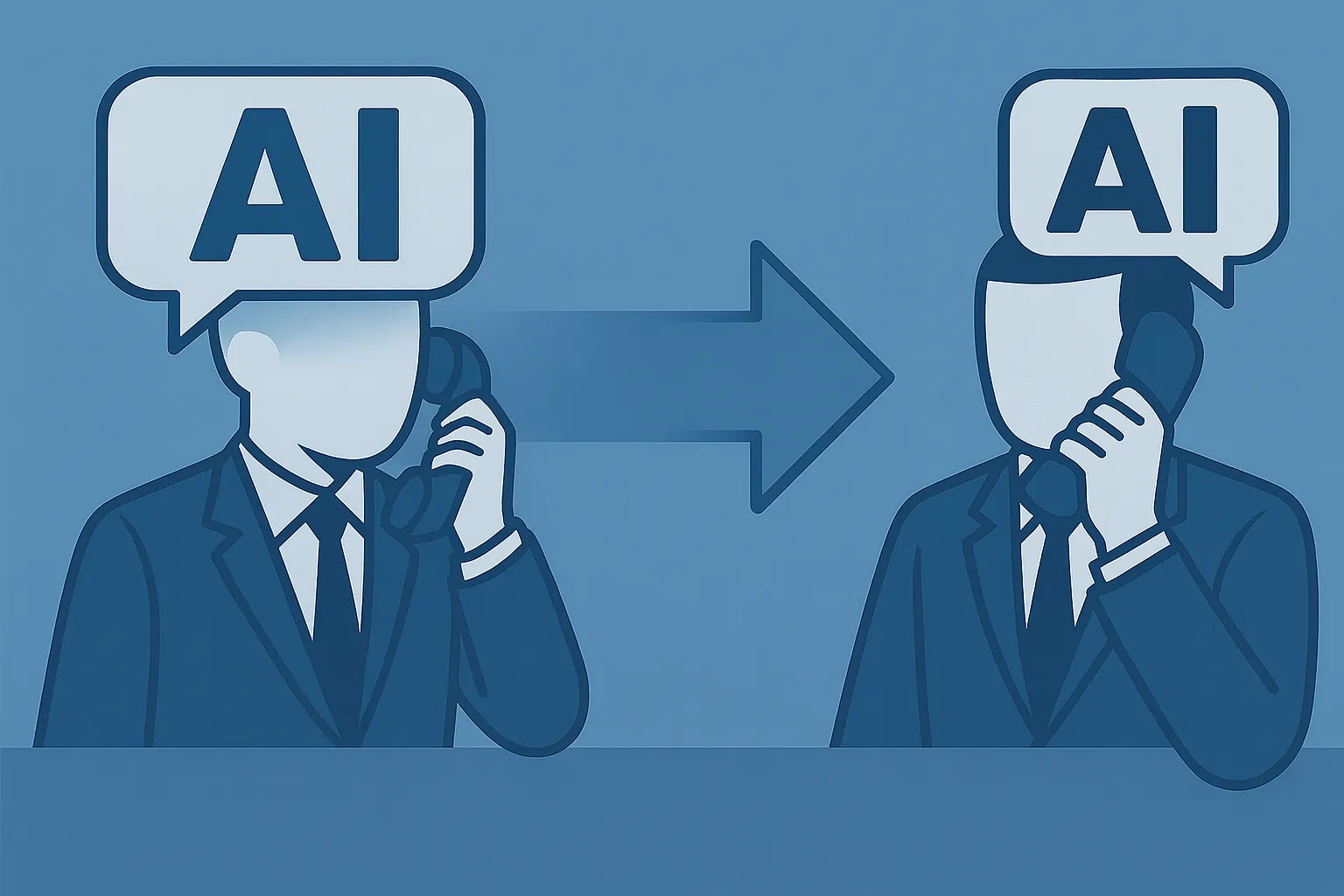
One number. Five specialists. Zero context loss.
Building Your Multi-Agent Architecture
Here's how we structure multi-agent systems at Waboom AI:
Step 1: Design Your Routing Agent
Your first agent is a traffic controller. Short prompt. One job: figure out why your caller is calling and route them to the right specialist.
Keep this agent lean. 200-300 tokens max in the system prompt. Ask 1-2 qualifying questions, then transfer. The faster your router works, the faster your caller gets to the right agent.
Step 2: Build Specialist Agents
Each specialist handles one domain. Give them focused prompts with deep knowledge in their area. A 500-token prompt for one topic outperforms a 2,500-token prompt covering 5 topics.
Your specialists don't need to handle off-topic questions. If your caller changes direction mid-conversation, transfer them back to the router or to the right specialist.
Step 3: Configure Transfer Triggers
In your conversation flow, add Transfer Agent Nodes at the decision points. Your conditions can be prompt-based ("caller wants to discuss a sale") or equation-based (checking a variable you extracted earlier).
Step 4: Handle the Edge Cases
What happens when your caller's request spans two domains? Build a handback path. Your specialist handles their piece, then transfers to the next specialist with full context intact.
What if your caller says "actually, I called about something else"? Your global node catches that and routes back to your traffic controller.
Warm Transfers to Humans
Not every transfer goes to another AI. Sometimes your caller needs a human.
The Call Transfer Node handles this with 2 modes:
Cold transfer. Immediate handoff. Your caller connects to your human agent. Simple. No frills.
Warm transfer. Your AI waits for a human to answer (configurable timeout, default 30 seconds). While waiting, your caller hears hold music. When your human picks up, 3 things can happen:
Pro tip: always configure a failure edge on your transfer node. If your human doesn't answer within the timeout, route your caller to voicemail or back to your AI for rescheduling.
What Carries Over (and What Doesn't)
When your agents transfer between each other, your caller's experience should feel continuous. Here's what transfers:
Carries over:
Updates to match your destination agent:
Stays locked to your first agent:
This means your first agent's webhook receives events for the entire call, regardless of how often your call transfers. Design your webhook handlers accordingly.
Real-World Deployments
Healthcare clinic in Christchurch. Routing agent qualifies the call type (booking, prescription, results, emergency). Transfers to the right specialist.
4 agents total. Your patients never repeat their reason for calling.
E-commerce brand in Melbourne. Product enquiry agent handles questions about 200+ SKUs using a RAG-powered knowledge base. Returns agent handles refund logic. Order tracking agent checks your shipping API.
3 specialists, one number.
Financial adviser in Wellington. Intake agent collects your basic details and KYC info. Investment agent discusses portfolio options.
Compliance agent handles your disclosure requirements. Each agent has domain-specific compliance guardrails.
Performance Considerations
Multi-agent transfers add minimal latency. The handoff itself is near-instant, no telephony overhead.
But each new agent loads its own prompt and context. If you're transferring 4 times in one call, that's 4 prompt loads.
Keep your specialist prompts lean to minimise the impact on your overall latency.
Test your transfer paths with batch simulation before going live. The transfers themselves are reliable.
What breaks is your routing logic sending callers to the wrong specialist.
One number. Multiple specialists. Zero dropped context.
Frequently Asked Questions
Does the caller notice when agents transfer between each other?
No. The transfer is near-instant with no new phone call created. Your caller hears a smooth transition.
Voice and language settings update to match your destination agent, but the conversation continues without interruption. Most callers have no idea they've been handed to a different agent.
What context does the destination agent receive?
Your destination agent gets the complete conversation transcript, every word from the start of the call. It also receives all dynamic variables your previous agents collected.
Webhook and data storage settings stay locked to your first agent for the entire call.
How do I handle transfers to human agents?
Use the Call Transfer Node with warm or cold transfer modes. Warm transfers let your AI wait for a human to answer, play hold music, and deliver a whisper message with context.
Cold transfers hand off immediately. Always configure a failure edge in case your human doesn't answer within the timeout.
What's the maximum number of agent transfers in one call?
The platform doesn't impose a hard limit on transfers per call. We've built flows with up to 4 transfers without issues.
Each transfer adds minimal latency, but your specialist prompts should stay lean to keep response times under your target. Test your full transfer chain before deploying to production.
Leonardo Garcia-Curtis
Founder & CEO at Waboom AI. Building voice AI agents that convert.
Questions about voice AI for your business?
Talk to the Waboom AI team. No pitch, just straight answers.
Talk to Us

