Deploy to Vercel
Put your landing page on the internet for the world to see.
What is Vercel?
Your landing page is done. It looks great. The widgets work. But right now, only you can see it. Let's put it on the internet.
The Problem We're Solving
Right now your landing page is on your computer. To share it with anyone, you'd need to:
- Keep your computer running
- Set up a web server
- Configure networking
- Buy a domain
- Set up HTTPS
That's a lot of work for "let people see my page."
What Vercel Does
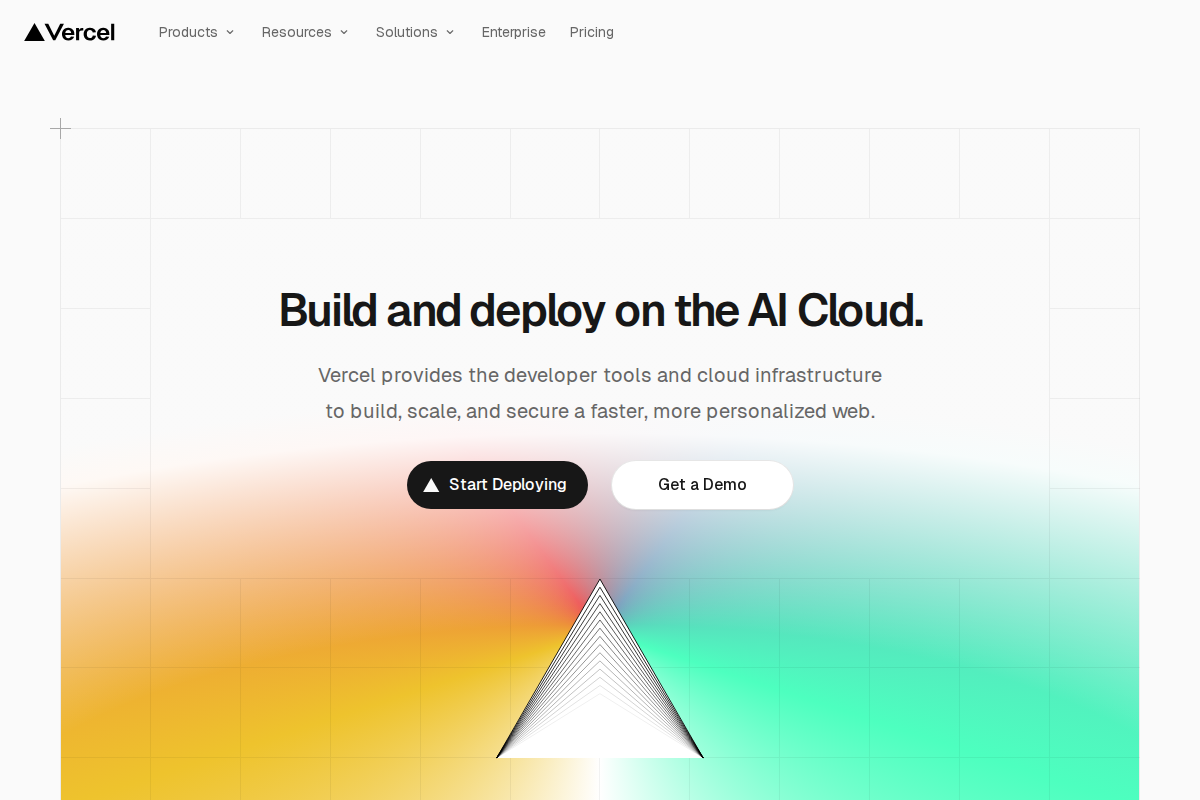
Vercel is a hosting platform that makes deployment easy:
- You upload your files
- Vercel puts them on the internet
- You get a URL instantly
That's it. No servers to manage. No networking to configure. Just upload and go.
Why Vercel?
For this course, Vercel is perfect because:
- Free tier — Host your landing page at no cost
- Instant deployment — Live in under a minute
- Simple CLI — Deploy from your terminal
- Custom domains — Connect your own domain if you want
- HTTPS included — Your site is secure automatically
Create Your Vercel Account
Before we deploy, you need a free account:
- Go to vercel.com
- Click "Sign Up"
- You can sign up with GitHub, GitLab, Bitbucket, or email
- If you use email, verify your email address
Deploying with the Vercel CLI
The fastest way to deploy is from your terminal using the Vercel CLI.
Install the Vercel CLI
Install the Vercel CLI globally on my system.
npm install -g vercel

The Vercel CLI is now installed. You can deploy with `vercel` command.
Login to Vercel
Log me into Vercel from the command line.
vercel login

This will open your browser to authenticate.
Log in with the same account you created on vercel.com.
Deploy Your Page
Deploy this project to Vercel.
vercel

? Set up and deploy "~/landing-page"? [Y/n] y
? Which scope do you want to deploy to? your-username
? Link to existing project? [y/N] n
? What's your project's name? landing-page
? In which directory is your code located? ./

🔗  Linked to your-username/landing-page
🔍  Inspect: https://vercel.com/your-username/landing-page/...
✅  Production: https://landing-page.vercel.app
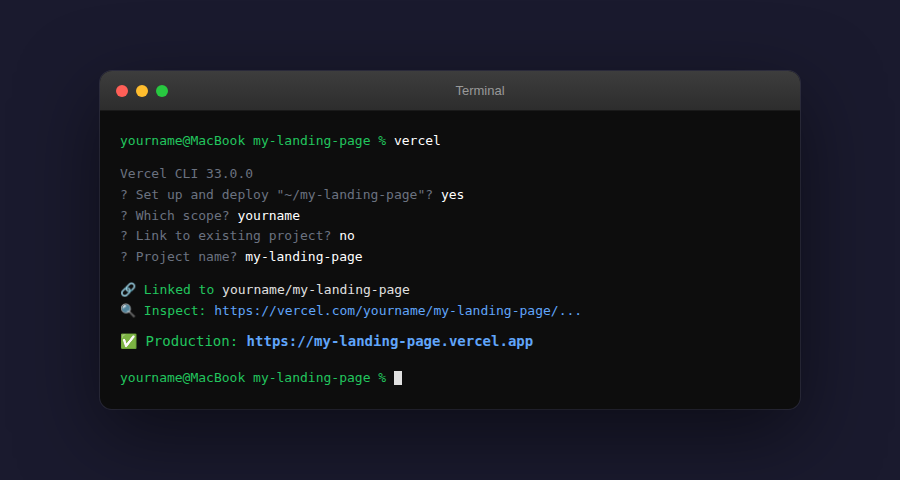
That's it! Your landing page is now live at the URL Vercel gave you.
Your Workflow
From now on, your development workflow is:
- Make changes with Claude Code locally
- Test in your browser at localhost
- Deploy with
vercel --prod - Share your Vercel URL
That's it. No FTP. No servers. Just code and deploy.
🎉 Course Complete!
You've built and deployed a professional landing page using Claude Code.
What You Built
- ✅ A complete landing page with hero, features, testimonials, and CTAs
- ✅ An interactive ROI calculator that works without a backend
- ✅ Responsive design that works on all devices
- ✅ Professional styling with consistent colors and typography
- ✅ A live website hosted on Vercel
Skills You Learned
- ✅ How to communicate with Claude Code effectively
- ✅ Building pages by describing what you want
- ✅ Adding interactivity without knowing JavaScript
- ✅ Testing and debugging with Claude's help
- ✅ Mobile-first responsive design
- ✅ Deploying to production with Vercel
What's Next?
You now have the skills to build any landing page. Here's how to continue:
- Customize your page — Make it yours with different content and branding
- Build more pages — Use these skills for client projects or side businesses
- Explore more features — Ask Claude to add forms, animations, or integrations
- Share your work — Post your landing page and tag @waboom_ai
Final Takeaway
You don't need to be a developer to build great things. You need to know what you want and how to communicate it. With Claude Code and Vercel, you have everything needed to bring ideas to life.
Go build something amazing! 🚀